Forms
You can build forms consisting of different fields in the Form Builder.
Known limitation
To have multiple instances of the same form on one page, create several identical form blocks. Otherwise, you may encounter issues with submitting data from all forms at the same time.
Existing Form fields
Captcha field
The Captcha Form field is based on Gregwar/CaptchaBundle.
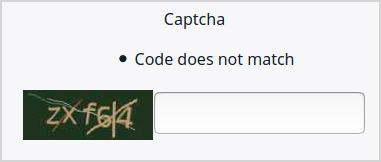
You can customize the field by adding configuration to config/packages/gregwar_captcha.yaml under gregwar_captcha:
1 2 3 4 5 | |
The example configuration above resizes the Captcha image (line 3), changes the error message (line 4), and enables the user to reload the code (line 5).
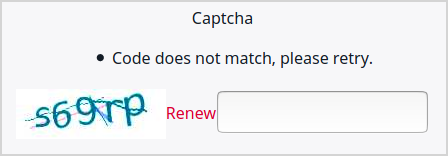
For information about available options, see Gregwar/CaptchaBundle's documentation.
Form-uploaded files
You can use Forms to enable the user to upload files.
The default location for files uploaded in this way is /Media/Files/Form Uploads.
You can change it with the following configuration:
1 2 3 4 5 | |
This applies only if no specific location is defined in the Form itself.